

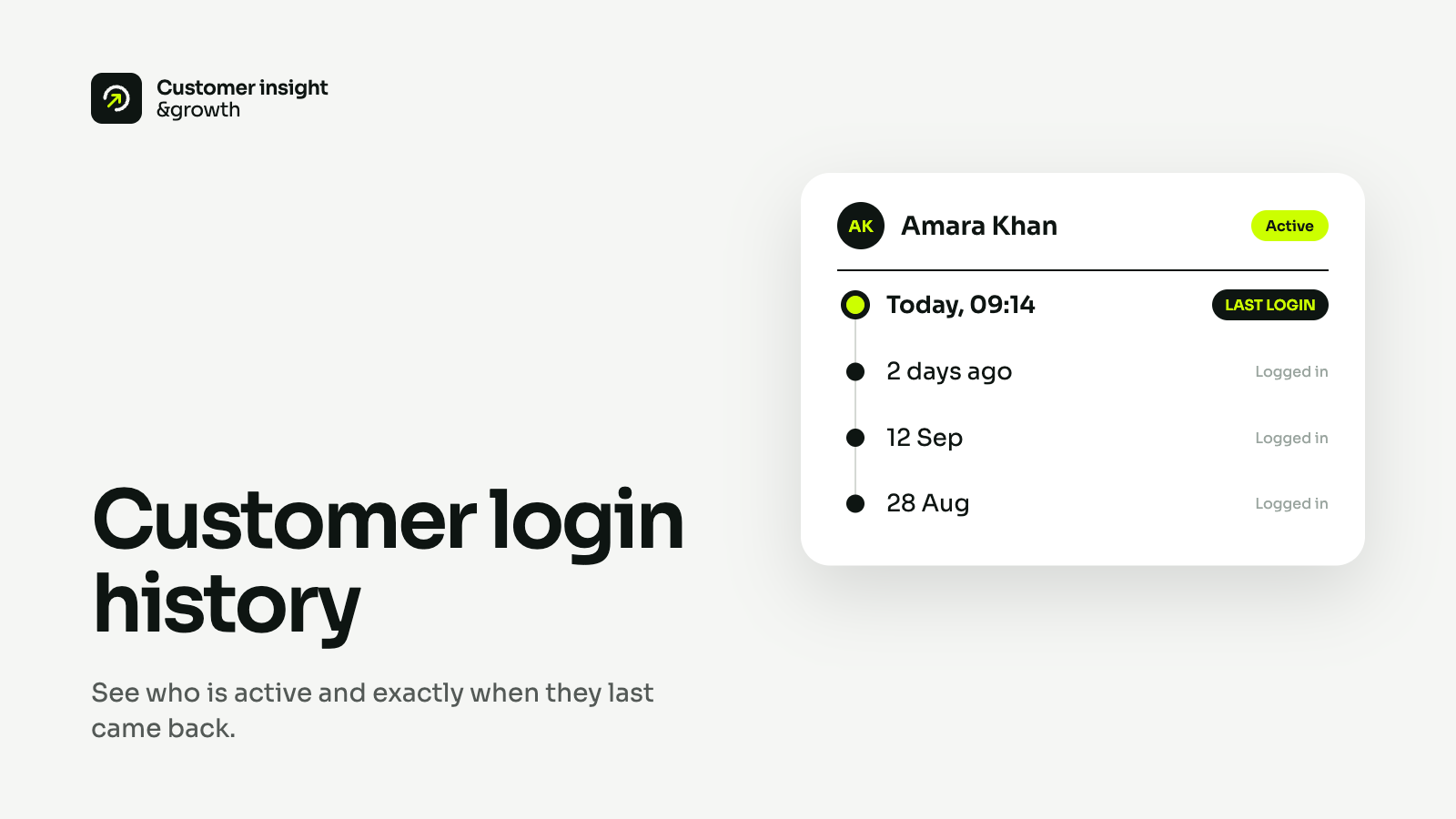
Customer login history
Every storefront login on a timeline — when it happened, which browser and device, and whether it was a new browser or a switched account.

Customer login history, Excel-safe CSV export and targeted discount codes — find the customers worth winning back.
A customer who logs in and leaves without ordering never shows up in your reports. Those are the people a discount can still win back.
The customers worth re-engaging are the hardest ones to find
Built on logins, not just orders
The newest release, straight from the changelog.
See who keeps coming back, take the list anywhere, and give the quiet ones a reason to return.
Every storefront login on a timeline — when it happened, which browser and device, and whether it was a new browser or a switched account.
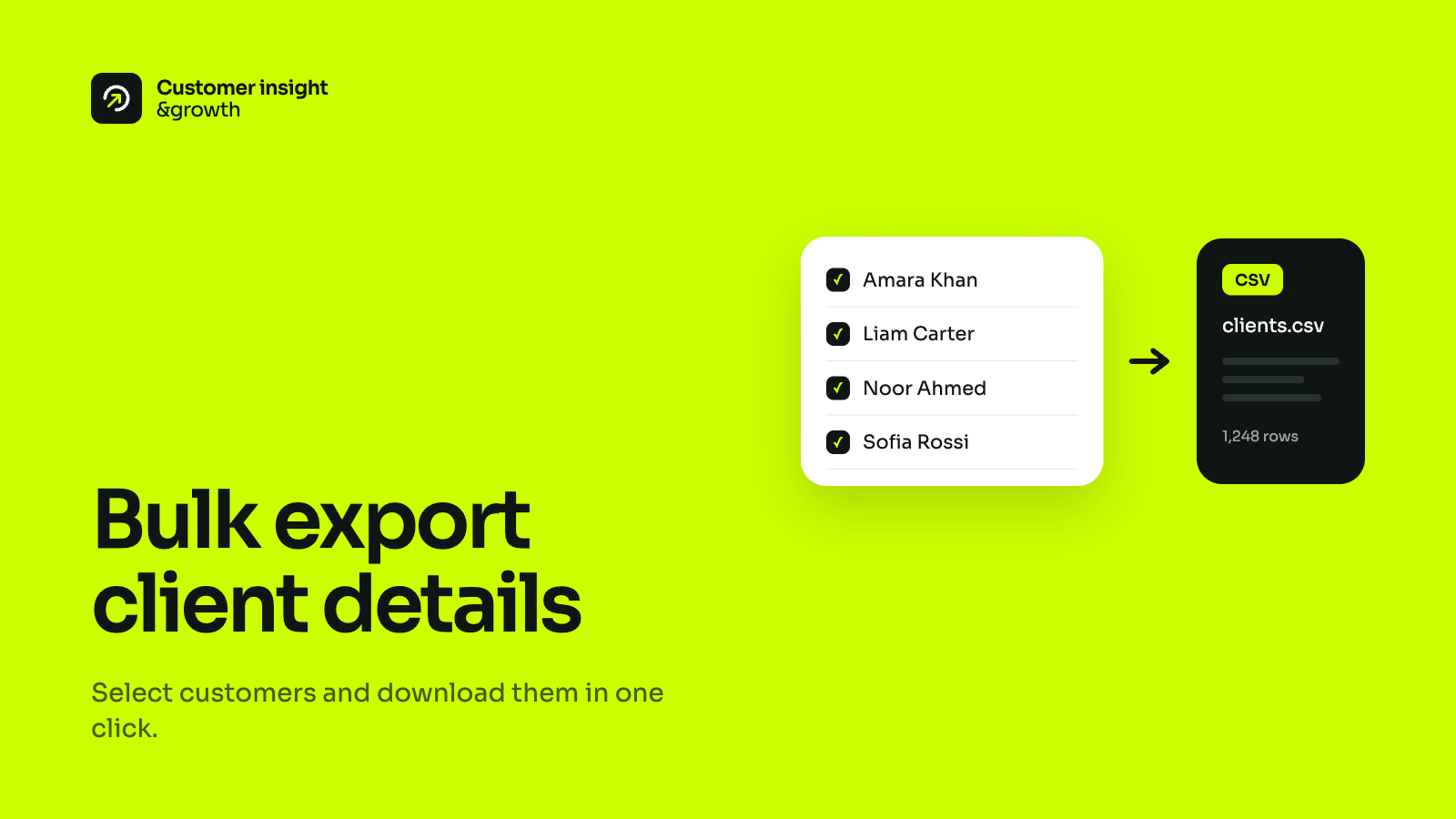
Download the customers in your current filter, up to 50,000 rows, as an Excel-safe CSV with names, emails, phones and login dates.
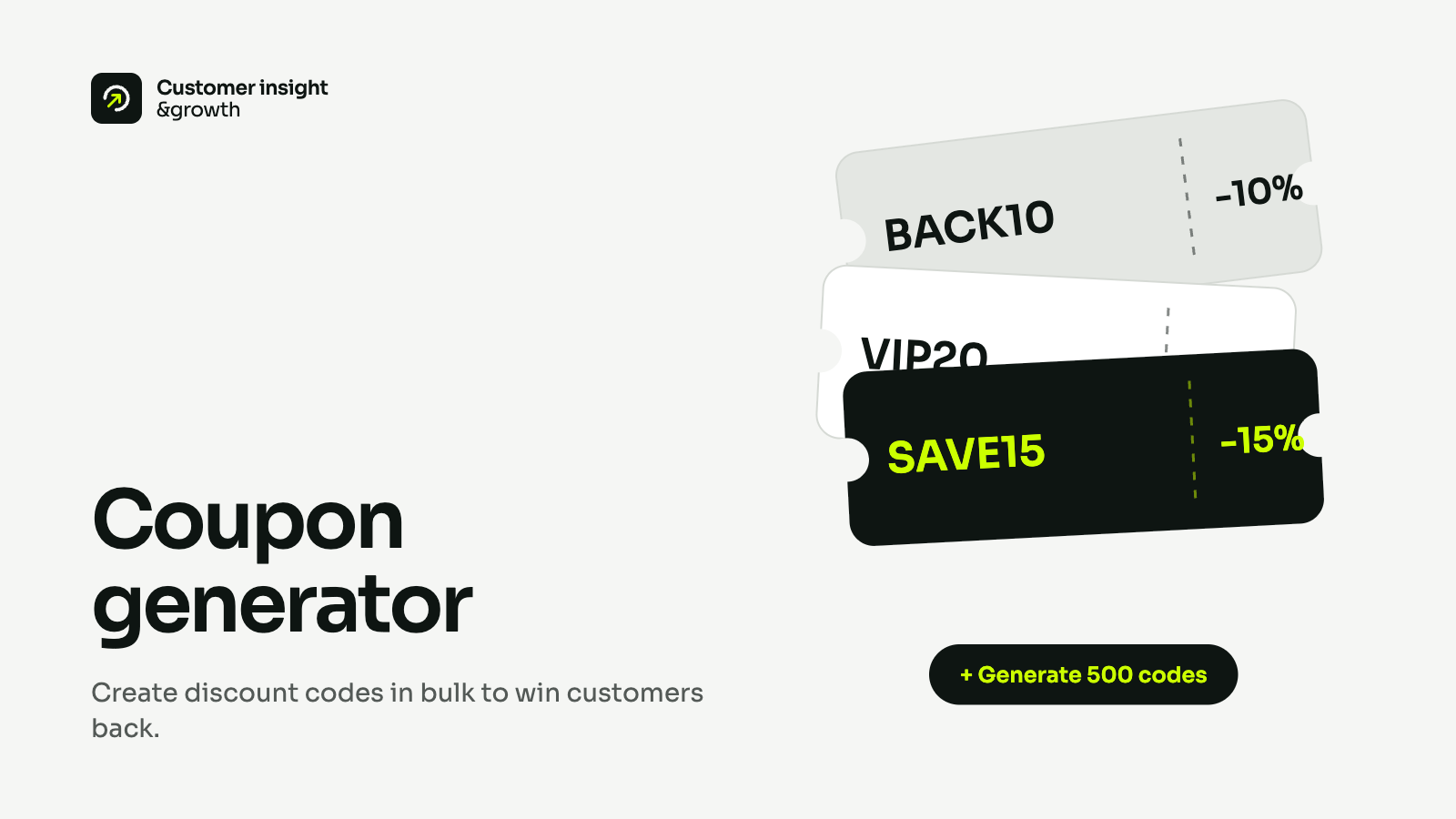
Create one code for a single customer or up to 100 at once — percentage or fixed amount, usable once each, with live status and usage.
Green marks the steps the app performs for you.
They sign in to their account on your storefront.
Your storeThe app embed notes the time, browser and device — if the shopper's privacy choices allow it.
AppLast login, first login and login count update on the customer list.
AppFilter by last login — nobody in three months, say — and export the list.
Your storeOne discount code, restricted to those customers and usable once each.
AppThere is no theme code to edit. One app embed does the tracking.
Add the app and choose the plan that fits the number of customers you want to track.
Enable "WD: Customer Insights" in your theme's app embeds. The setup guide links you straight there.
Each customer appears on their first login after the embed is on, and their history builds from there.
WD: Customer Insights & Growth is a Shopify app that records every time a customer logs in to your storefront. It turns those logins into a customer list you can search, filter and export, and lets you send the customers you find a discount code that only they can use.
Through a theme app embed called WD: Customer Insights. You switch it on once under Theme settings → App embeds — the setup guide links you straight there — and there is no theme code to edit. Until the embed is on, no logins are recorded.
The date and time, plus the browser, operating system and device type. The timeline also flags a login from a new browser and a switch from another account. The IP address is stored with the login but is not shown in the app. Repeat logins by the same customer within five minutes count as one.
Yes. The embed checks Shopify's Customer Privacy API before recording anything. If a shopper has not allowed analytics, their login is not recorded.
No. Login history starts when the app embed is switched on, and each customer appears on the list from their first login after that.
For 24 months. Logins older than that are deleted automatically every day.
The customers in your current search and filter, up to 50,000 rows: name, first name, last name, email, phone, last login, first login and number of logins. The file is safe to open in Excel, including names with non-English characters.
You create one code for a single customer, or for up to 100 customers from your current filter — that limit is Shopify's. Choose a percentage or a fixed amount, a start date and an optional end date. Each customer can use the code once. Type your own code or leave it blank and the app generates one. The code is created in Shopify and its status and usage show on the app's Discounts page.
Plans are sized by the number of customers tracked over the lifetime of your install, and billed through Shopify, monthly or annually. Each customer counts once, at their first recorded login, however often they come back. If you reach your limit, new customers are put on hold — their logins are still recorded — and released as soon as you move to a larger plan. We email you at 80% and 100% of your limit.
Login tracking stops straight away. Shopify asks us to erase your store's data 48 hours later, and we then permanently delete every customer, login and discount record the app holds. Discount codes the app created stay in Shopify, because they are ordinary Shopify discounts.
Install WD: Customer Insights & Growth and see who logged in to your store today.